Laser · Cricut · Silhouette · Vinyl
Turn any image into multi-layer SVG for laser cutting
Professional image processing for laser engraving, Cricut, Silhouette, vinyl cutting, and 3D mandala projects. Every color becomes its own layer — ready to cut, stack, and engrave.
No credit card required. 1 free conversion as guest, 3 more after registration.
Why Laser Layers?
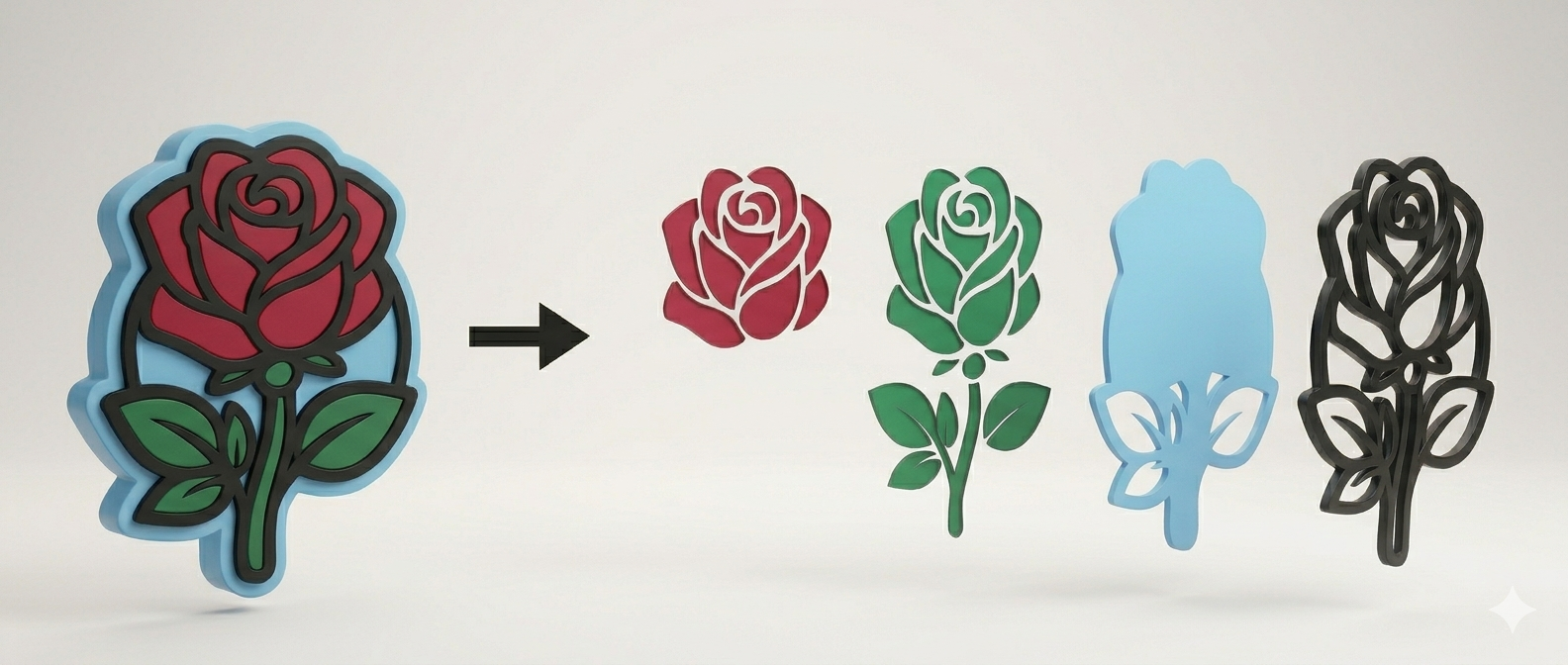
True relief for laser
Distance transform algorithm isolates each same-color motif into its own layer. Perfect for 3D mandalas, plywood projects, and layered carving.
Export = 1 token · upload is free
Tokens are only spent when you download SVG + PNG files. Upload, preview and parameter changes are always free — experiment as much as you want.
Scalable vector format
SVG output scales without quality loss. Compatible with LightBurn, RDWorks, Cricut Design Space, and Silhouette Studio.
How does it work?
From image to laser-ready SVG in 4 steps.
Uploadaj sliku
PNG, JPG, or SVG. The app auto-detects color count and suggests the optimal layer count.
Adjust settings
Layer count, flat or relief mode, minimum object size. All changes preview instantly — no quota spent.
Check layers
Zoom and drag for a detailed view. Manually fill holes within a layer with one click.
Export SVG + PNG
ZIP with all layers — SVG for LightBurn / Cricut, PNG for direct print or engraving.
Which images give the best results?
The algorithm works on color and contrast — the cleaner the image, the better the layers.
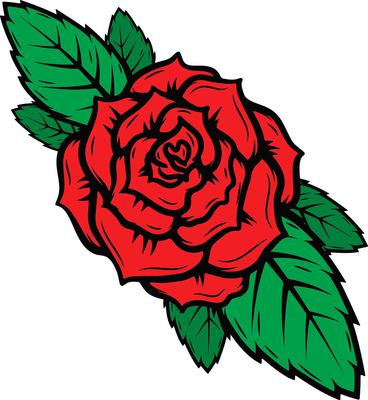
Black & white motif / tribal
High contrast, clear contours, clean color areas. Gets 2–4 perfect layers.
Photo / gradients
Too many colors and transitions — layers don't follow meaningful contours and aren't usable for laser.
✓ Ideal images
- ›Logos and vector graphics — clean lines, few colors
- ›Tribal, mandala, animal motifs — high contrast
- ›Silhouettes on white background
- ›Illustrations with 2–6 flat colors, no gradients
- ›PNG with transparent background
✕ Avoid
- ›Photos — millions of colors, layers don't correspond to physical objects
- ›Gradients and shading — too many thin, unusable layers
- ›Images with text — small letters get lost; convert text to outline first
- ›Low resolution and compressed JPEGs — artifacts become fake layers
Simple pricing
Pay once, no subscription. Tokens never expire.
Free trial
0€
free, no card required
- ✓ 1 free conversion to try it out
- ✓ All file formats
- ✓ Up to 8 colors
200 tokens
29€
one-time, no subscription
- ✓ 200 conversions (1 token = 1 conversion)
- ✓ Tokens never expire
- ✓ Buy again anytime — tokens add up
Try it free — no credit card
1 free conversion as a guest, 3 more after registration. No credit card required.
Try it Free